
Film the car. Get the grade.
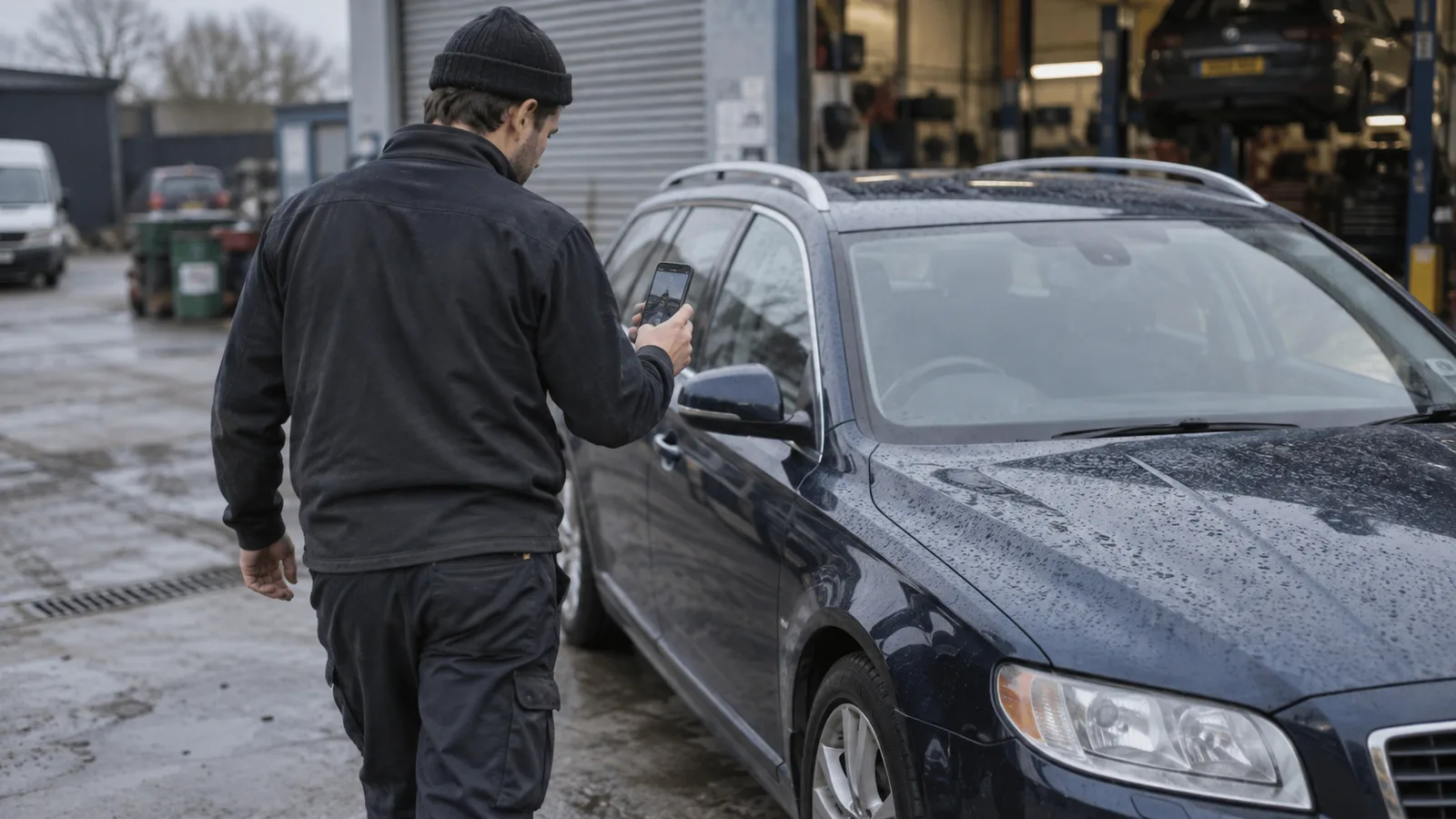
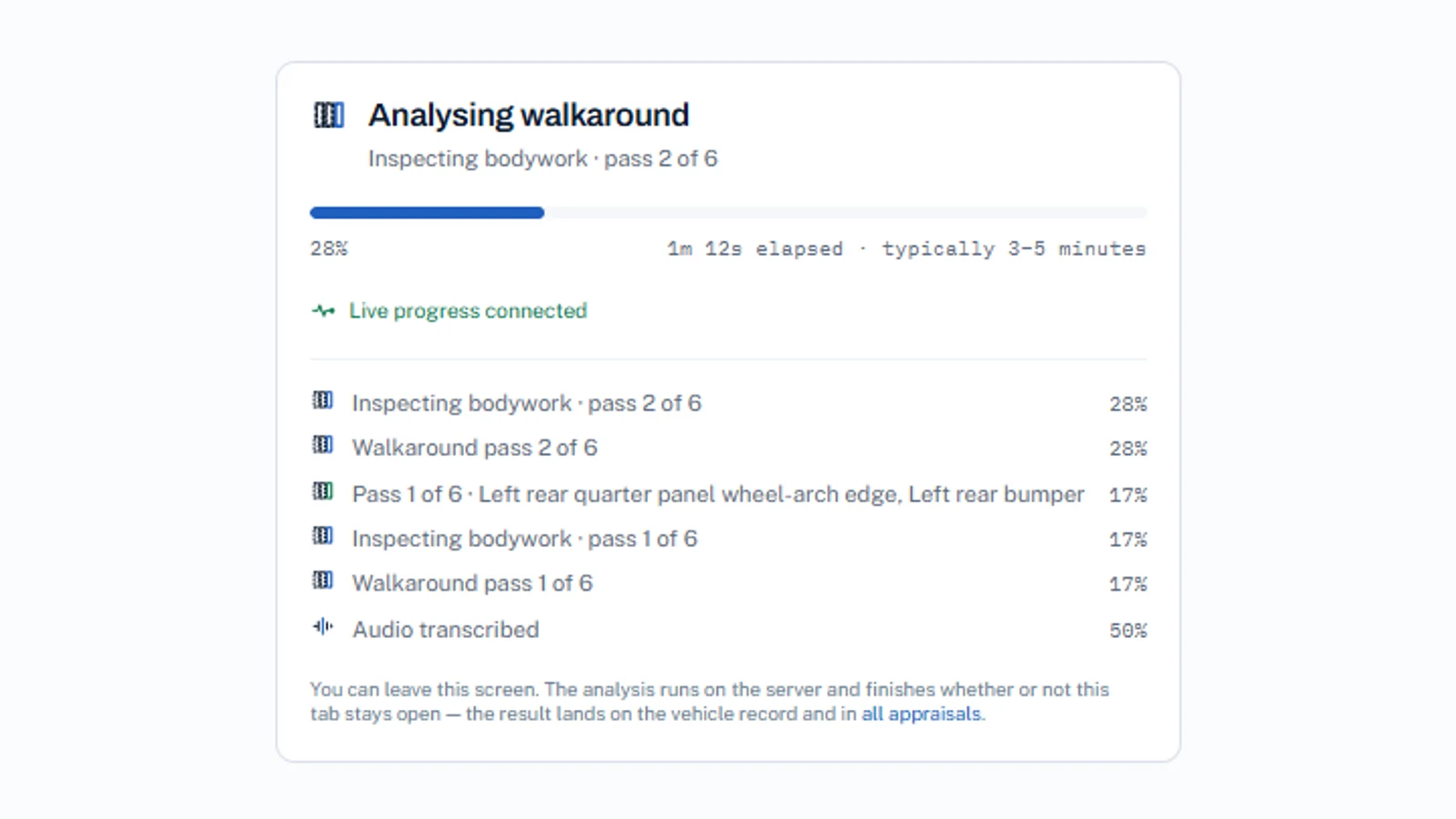
About a minute to film, a few minutes to analyse. Nothing is instant, and the report says exactly when each figure was produced.
What you get back
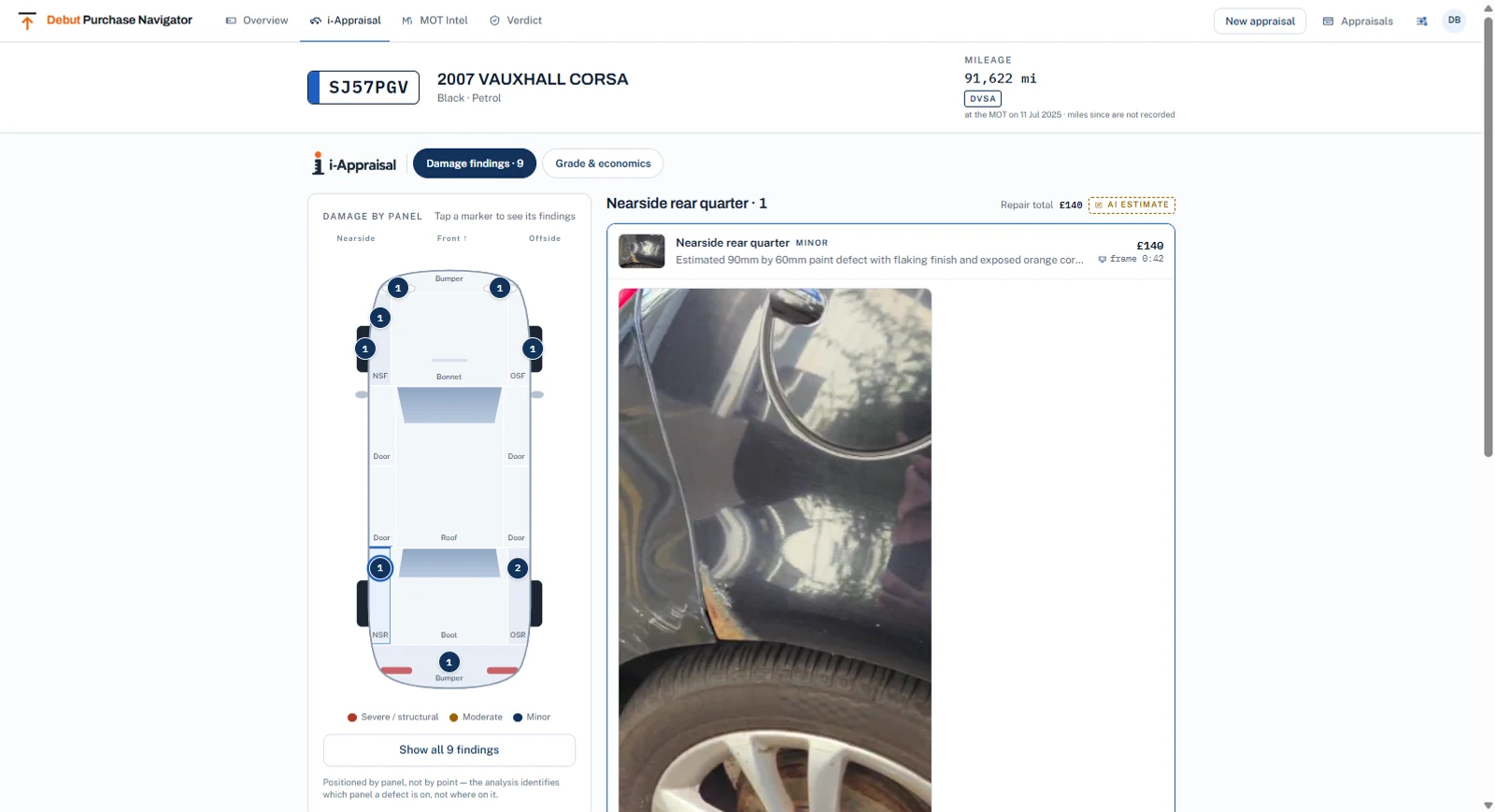
- NAMA grade 1–5 or U with the reasoning list
- BVRLA verdict per finding: acceptable, chargeable or needs inspection
- Itemised repair pricing, with unpriced items shown as unpriced
- Frame citation and retained still where the finding has one, and the absence named where it does not
- Branded PDF; history kept per registration
Getting the appraisal out, and your team in.
The things people ask before they book.
How accurate is it?
Two questions live inside that one. The grade is arithmetic: written rules, a measurement and a threshold, and the same findings always produce the same grade. Reading the damage off the footage is judgement, and judgement is sometimes wrong. That is exactly why a finding names the second of video it came from, and says so when there is none — you settle it by looking at the still, in less time than it takes to argue about it.
What happens when it gets something wrong?
You correct it, and the correction becomes part of the record. A person at the car can add a finding the camera missed, mark an item as already repaired, and re-appraise against the car's own history. Nothing is quietly overwritten, and the earlier version stays readable.
What if the footage cannot settle something?
It says so. “Needs inspection” is a verdict in its own right, not a failure — it hands the question to a person instead of inventing an answer. An item with no rate behind it is shown as unpriced rather than as zero, because a zero is a number someone will add up.
Does anything get charged automatically?
No, and it is not on the roadmap. Charging stays in your systems. The appraisal stops at the reviewed finding, and a person decides what happens next.
What do we need to run it?
A recent phone and a browser. The app installs from the browser itself — no app store, no per-device rollout, nothing for IT to package. The walkaround takes about a minute and the app talks the operator round the car, flagging motion, blur and poor light while there is still time to fix them.
How long before the report is ready?
About a minute to film and a few minutes to analyse, shown stage by stage rather than pretending to be instant. The operator can close the tab and walk away; the work carries on without them and the report is waiting.
Does it handle vans?
Yes, and as vans. An LCV is graded as an LCV, so a load bay is judged against load-bay tolerances instead of being marked down as ruined cabin trim.
Is this BVRLA-approved?
No, and we will not let the wording imply it. We implement the published fair wear and tear guide — the thresholds you see on a finding are ours, following that document. The BVRLA has not verified or endorsed the product, and the report does not suggest otherwise.
See it on one of your cars.
Thirty minutes. Bring a registration.